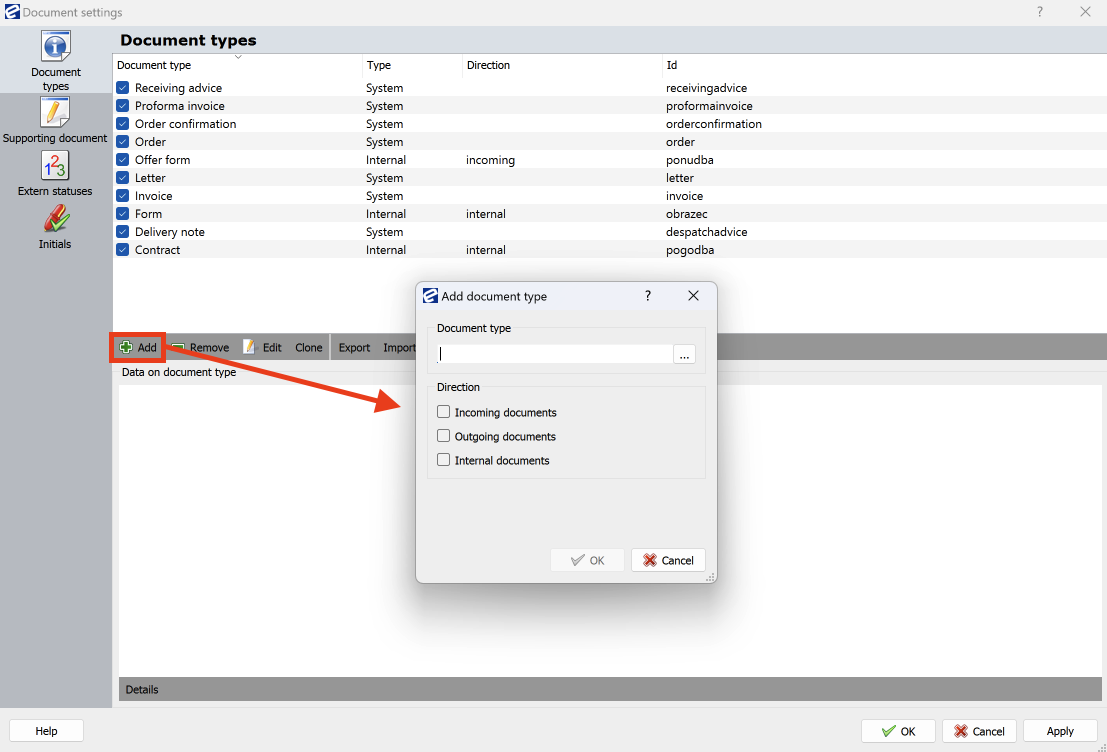
In EBA DMS you have the possibility to create your own document types. You can create a new document type by clicking on the Add button.
Enter the name of the document type and the direction of the document in the pop-up window
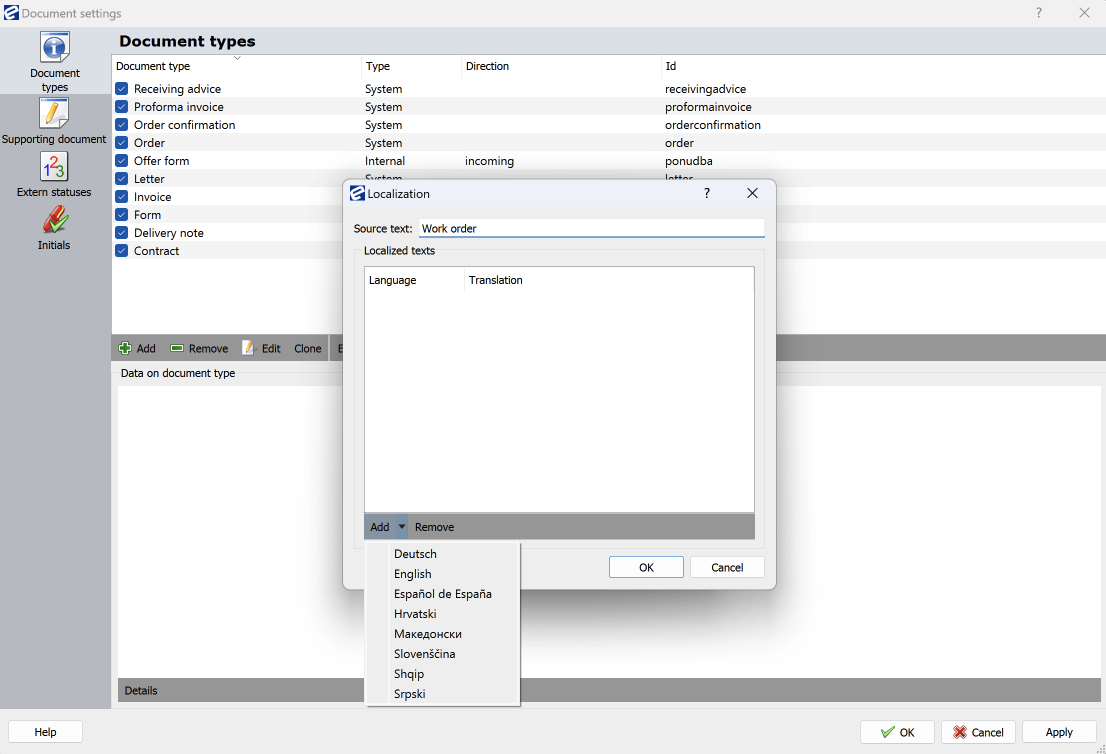
Once you have entered the name of the document type and defined its direction, you also have the option in this step to define the corresponding foreign language version.
Click on the […] button to select the language in which you want to add the translation for the new document type.